 Suncokret Labs
Join the Cadence Coach closed test
Cadence Coach is in closed testing on Google Play. You need an Android phone and the Google account you use in Google Play. It takes two steps, in this order.
-
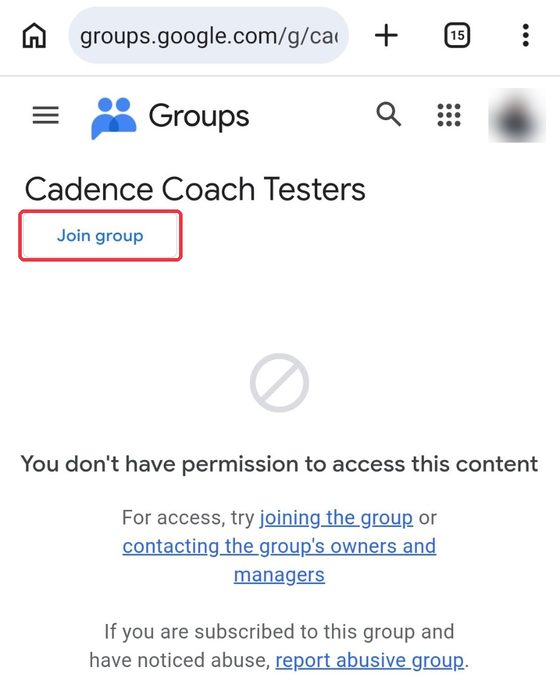
Join the testers group. Sign in to Google, open the group and tap Join group. Until you join, Google shows “You don’t have permission to access this content”. That is expected, and it goes away once you join.
-
Become a tester. Open the app page in Google Play and tap Become a tester, then install the app.
Only I, as the group owner, can see who has joined and the email of their Google account. Questions? Write to [email protected].